Neon isolation
High contrast, cool shadows, sparse dialogue
Assist works inside DaVinci Resolve to build your first timeline — music video cuts, beat-synced montages, reel clones, and dialogue-led assemblies — so you stay in the director's chair. We speed up the process; you own the creative call.
macOS says Assist is damaged or won’t open?
This is usually Gatekeeper on a downloaded app, not a broken file. After you drag
Assist_AI_Editor.app to Applications, run this in Terminal:
xattr -cr /Applications/Assist_AI_Editor.appThen right-click the app → Open (first launch only), or use System Settings → Privacy & Security → Open Anyway if it appears.
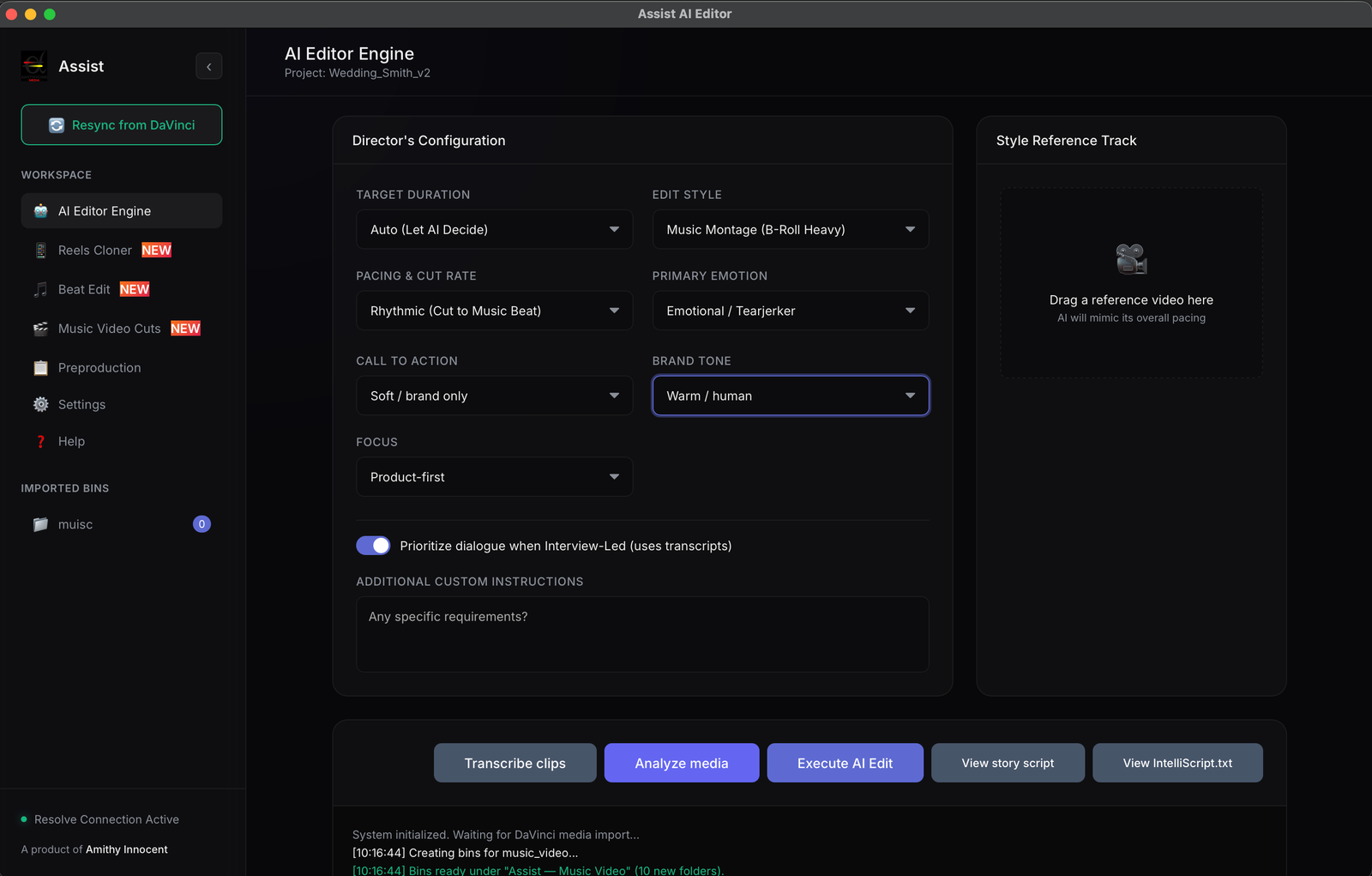
Assist handles the repetitive lift — syncing bins, laying down a first pass, matching a reference reel, cutting on the beat — so you can spend your energy on pacing, story, and the choices only you can make.
Assist reads your rushes, understands project type, and delivers a real timeline in Resolve — not a locked export. Tweak every cut, swap clips, and rebuild layers whenever you want.
Active Intelligence
Project type
From music videos to documentaries, each tool gives you a strong starting timeline inside DaVinci Resolve — then you shape the final edit your way.
Need a quick cut on a music video? Drop your performance takes and b-roll, add the track, and Assist builds a multi-layer timeline in Resolve — full takes on dedicated tracks, b-roll woven in, synced to the song. You still pick the hero moments, trim the fat, and grade the look. We just get you out of the blank timeline.
Bring a reference reel and your footage. Assist studies rhythm and pacing, then maps your clips into a similar flow — a draft you can push, pull, and make yours.
Montage energy without manual marker hell. Transients and musical phrasing drive cut points so you can focus on performance and story beats instead of frame-by-frame clicking.
Interview-led and dialogue-driven projects: transcribe, analyze, and assemble a narrative-first timeline. Assist proposes structure; you keep the director's cut.
Briefs, shot lists, story graphs, and treatment ideas in one place — so when you hit post, the creative intent is already clear.
Clip-level transcripts power smarter dialogue edits and searchable rushes. Less scrubbing, more crafting.
Plan the story before the shoot. Your brief and shot list travel with the project so post-production starts with intent, not guesswork.
Creative Brief
Storyboard
Moodboard
Atmospheric / Cyber / Noir
Shot List
Cameras, lenses, batteries
Light plot + sound
Call sheet + dailies
Notes for post
High contrast, cool shadows, sparse dialogue
Handheld intimacy, natural light arcs
Performance cuts on downbeats, lyrical b-roll
Carry briefs, shot lists, and story graphs from prep into post — so automated timelines respect the story you planned.
Compile your preproduction graph into the edit engine.